chuso.net

Category: Opera

Why I use Opera

Well, when I was exchanging tweets with @dsubies I said that I am an Opera user and he asked me why I use Opera. Since 140 characters are too few to explain it I said him that I will answer him here. Well, long after that, here is the answer.

At the time I started using the Internet the only serious alternatives were Internet Explorer (I'm sorry, I said serious) and Netscape Navigator. Then I discovered Opera, which included interesting innovations like tabs, pop-ups blocker and a download manager. Approximately at the same time, I started using Linux and one of the more exasperating things were the horrible look, the uncomfortable toolkit, which I think it was some Athena variant (I can't explain this, those who lived with this will understand it) and the instability of Netscape for Linux. A few later, while Netscape slowly died in hands of AOL, Firefox appeared, characterized by its resources voracity and its slowness, increasing my bet for Opera. If you add this to the fact that I used to have old computers, I really needed to use a light and agile browser.
RapidShare premium download with Opera

I must blame Fonso again, because he asks me about something like FlashGot but for Opera in Linux, i.e., a way to be able to select a block of RapidShare URLs to download them with a premium account with a download manager. So when I didn't find anything, I started with it.

I finally got a bash script that receives a list of links as parameters and adds them to Aria with a RapidShare premium account. Using aria was not a choice, since it was the only one, apart from wget, that supports RapidShare premium accounts (i.e., HTTP authentication) without problems.


Blocking advertisements and malware in Opera

Website with banners

Do you remember the web 15 years ago? The advertisements were almost unknown, like spaghetti webs. As the web became more popular and with the dot-com boom it was needed a way to finance so much hype, and then was when massive advertisements arrived.

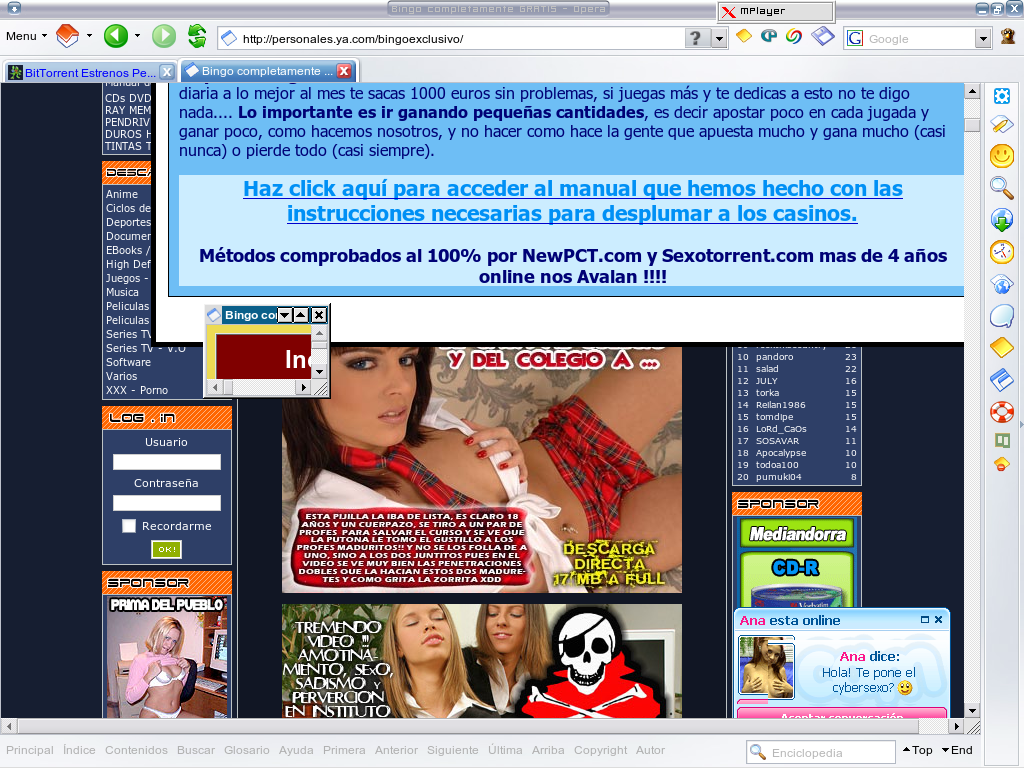
Nowadays we are in a situation where, except some blogs and personal webpages is hard to find a webpage which doesn't have, at least, some Adsense block, which is not the worse we can find, because then there are pop-ups, ads trying to install malware or that epileptic scams. And cases like Terra, which joins many of the features cited previously (spaghetti web born with dot-com bubble with a high mediatic hype and following crash) with rectangle ads which break its confusing layout. Or other sites with so many advertisements (usually focused on the same topic) that it's hard to find page contents.


New Google Docs and Opera

Update: This workaround is no longer needed with Opera 9.50 which seems to solve this problem. Check your version and update if needed.

Google has recently developed a new Google Docs version and if you thought they took the chance to improve (at least a little) the compatibility with other browsers, you couldn't be more mistaken. Actually, it went worse with Opera.

If previously it was enough by adding ?browserok=true in order to enter Google Docs with Opera and mask it as Internet Explorer to use Spreadsheets, now it gets constantly reloading with Google Docs and Spreadsheets is only usable with a poor read-only interface (masking Opera as IE throws errors).


Adding links to MLDonkey from Opera

I envied Firefox extension for MLDonkey which allows you to add elinks and torrents to MLDonkey from the browser with a single click, even if MLDonkey is running in other PC. It's a luxury I want to have in Opera, is quite easy.

It should be even easier using -remote openURL() Opera parameter, but I got problems doing it this way (it seems to ignore %U parameter), so I finally did it this way:


Jëkýll & Hyde toolbar for Opera 9.2

Jëkýll & Hyde is a powerful and useful toolbar and menu set for Opera, but its last version was designed over Opera 8, so it doesn't include support for some features introduced in version 9, such as Create search or Content Blocking, so when you install this toolbar yo lose this options.

I've made a modified version of Jëkýll & Hyde toolbar to include support to those features and some other improvements and fixes. Some of the changes included:


Opera web browser with usage report tool for Gentoo

Opera has just announced through its desktop team the releasing of a new developing version for betatesting that includes a tool that makes reports about browser usage and configuration and without private information to send it anonymously to the company to improve the browser. Someone named this Opera 'Spyware', though it's a feature not present in official releases, which can be deactivated, you can read reports before sending it and the browser warns you about this the first time it's run.